3D generalist. Visual storyteller. Thoughts-to-pixel translator.
Artist 6 of 6 — Production Bible
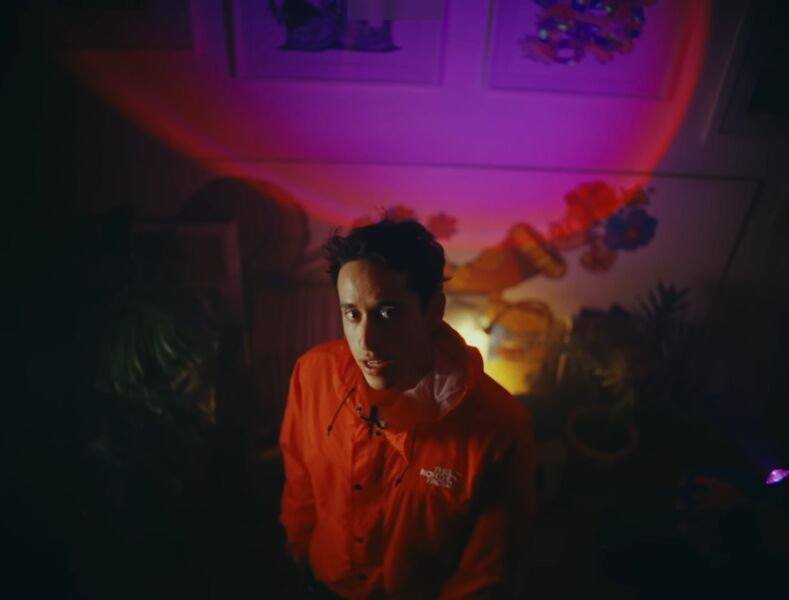
Abhijit Vinayak is a 3D generalist and visual storyteller based in Trivandrum, Kerala. His work revolves around translating brain noise into pixels — using art to explore and visualize metaphorical ideas as a full-time translator between thought and image.
Abhijit’s expressive, idea-driven way of thinking will shape the BTS — thoughts spilling out as metaphors, associations, and visual impulses that translate directly into the final 3D artwork. The process is technical, but the BTS will capture emotion, intuition, and mental leaps rather than software, tools, or workflows.
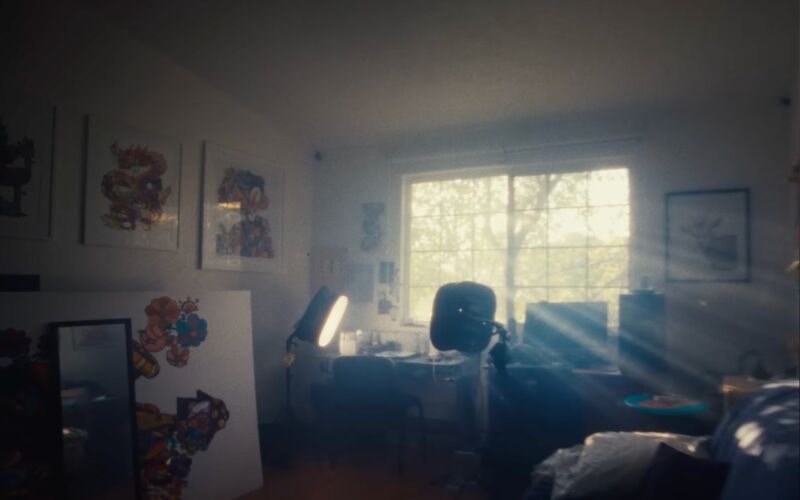
A compact bedroom-studio in Trivandrum, Kerala. White walls, a large window with a decorative iron grille, dual monitors, and shelves packed with action figures and collectibles. Every surface tells a story.
Nine voiceover blocks forming a single narrative arc. Artist-led VO drives the film. These are Abhijit’s words, spoken over BTS footage of his process and space.
Seven segments for a 20–30 minute long-form conversation. Aim longer during recording — cut in post. Host drives the conversation with questions; cue points signal key moments for the editor.
The Gawx Art x Samsung film alternates between two distinct lighting moods: warm amber studio scenes and cool blue/cyan creative sequences. Here are the key observations and what makes each one work.
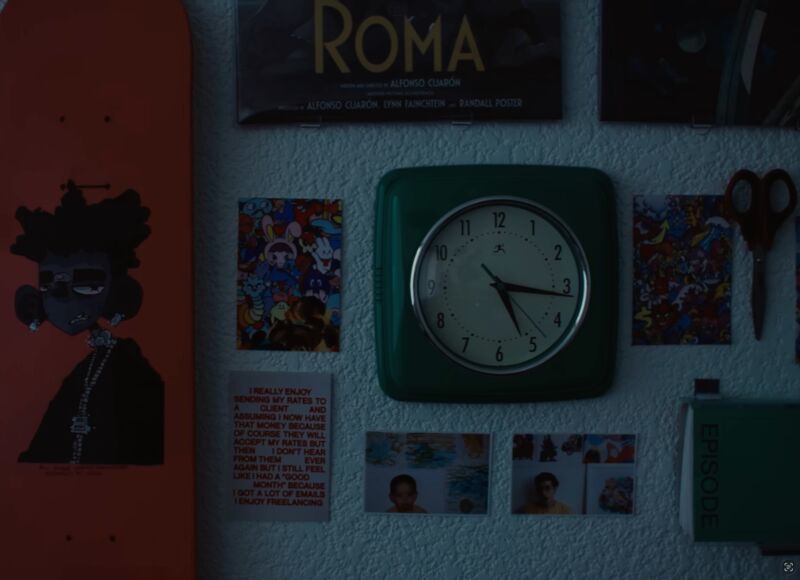
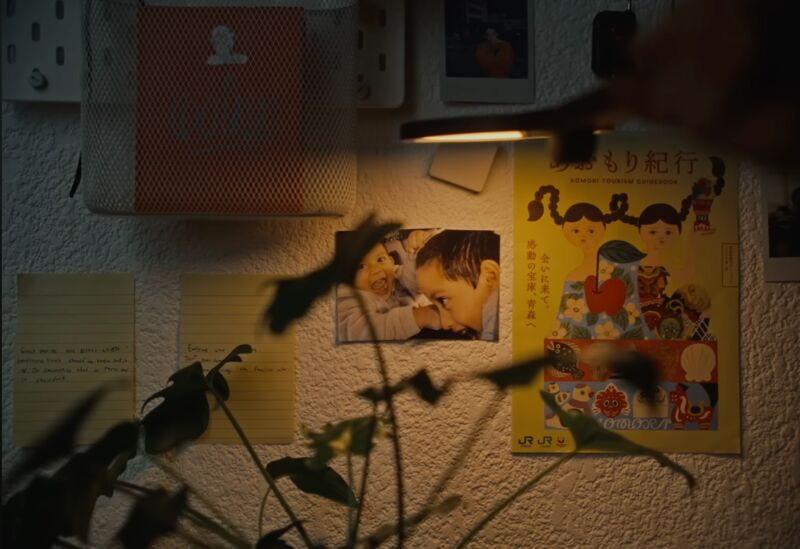
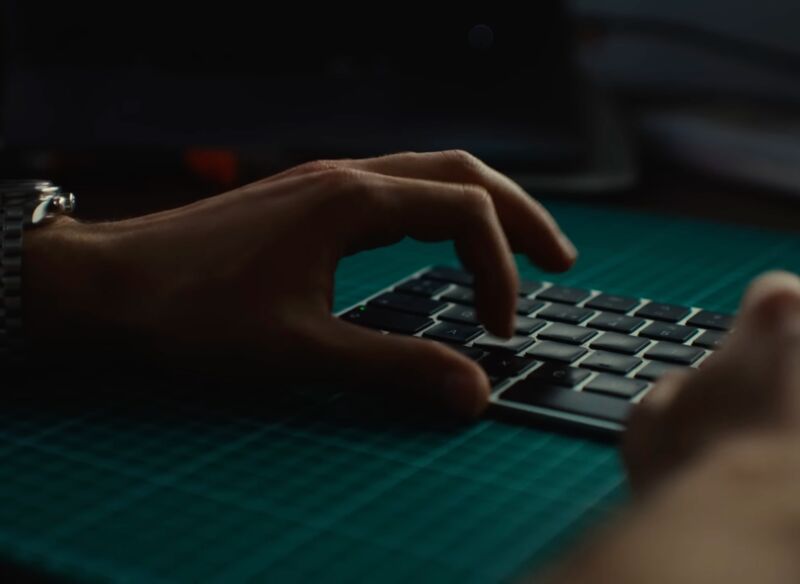
Strong window key from left. Warm amber fill from behind. Teal pushed into shadows. Shallow DOF on hands. Beautiful warm-cool contrast across the frame.
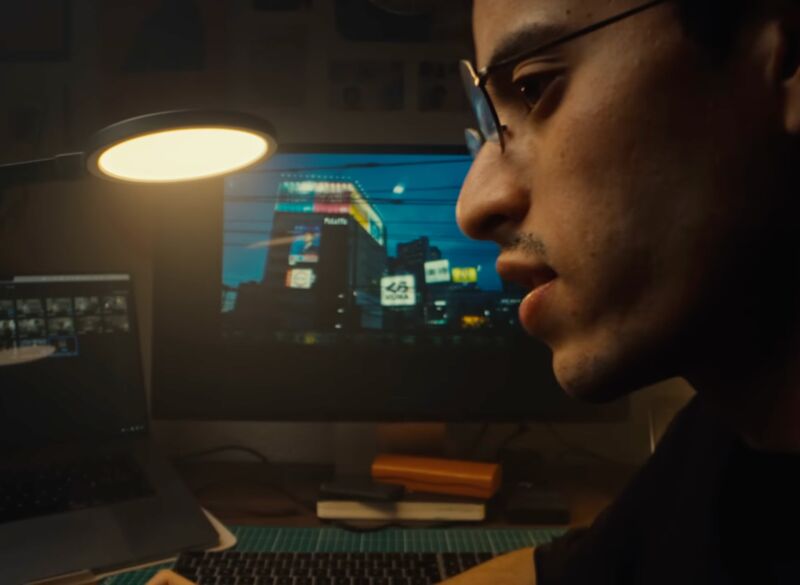
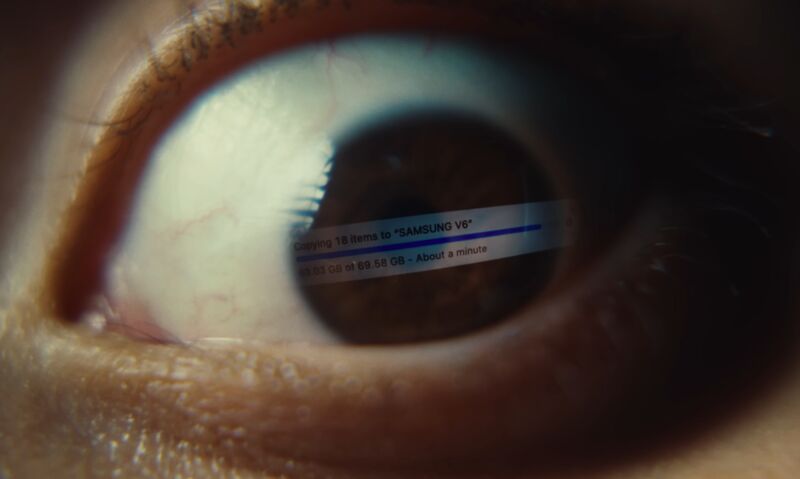
Rembrandt-style window key on face. Background completely out of focus with warm practical LEDs as bokeh orbs. Edge light separating hair from background.
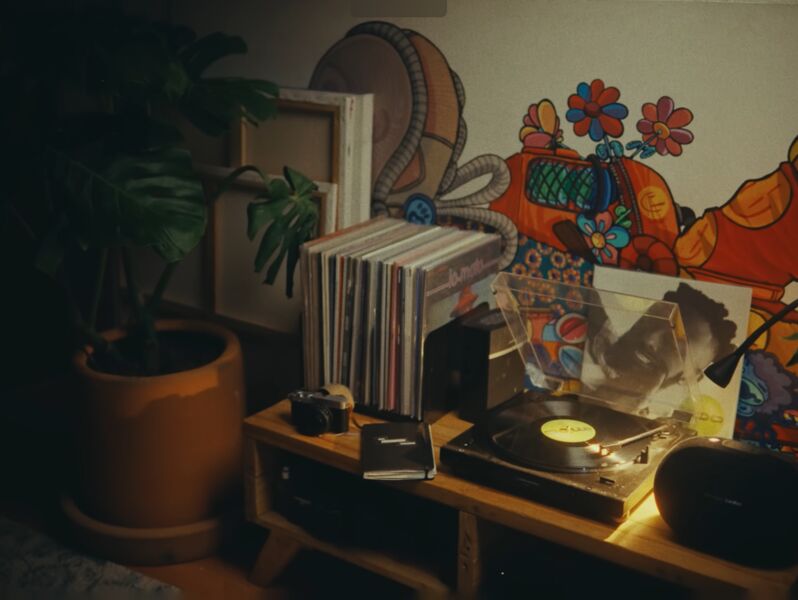
Extreme close-ups at f/1.8-2.0. Collectibles/art lit from below with warm practicals. Background dissolves into swirly bokeh. Every object is a character.
Window blocked. All blue/cyan RGB lighting. Deeply saturated electric blue on face. Teal/cyan separation in background. High contrast, moody.
Subject holds up artwork. Dramatic side key in blue. Magenta/purple edge light on opposite shoulder. Triadic color palette adds visual richness.
Tight macro on collectibles with split blue/warm lighting. Objects become sculptural. Mixed color temperature LEDs create bokeh variety.
Strong key-to-fill ratio (~3:1 or 4:1). Deep shadows on fill side. Never flat, always sculpted. This creates the cinematic depth.
Teal pushed into shadows, orange/amber in highlights. Classic teal-orange cinematic grade but done subtly. Grain and halation added in post.
Small LEDs hidden among objects create visible bokeh points. These are NOT accidental — every light source in frame is intentional. They add life and dimension.
ALL room lights OFF. Only controlled sources + window. This is what transforms a “home video” into a cinematic film. Darkness hides what you don’t want.
Compact bedroom-studio with white walls, a large window with decorative iron grille, dual monitors, and incredible shelves of collectibles.
Large window on left wall with decorative iron grille. This is your primary key light for warm setups. The grille creates beautiful shadow patterns. North/east facing — check golden hour timing. Can be completely blacked out for cool setups.
Iron Man helmet, detailed figurines, 3D prints on the shelf behind the desk. These are your hero B-roll subjects. Light them individually with small LEDs for dramatic close-ups. At wide apertures they become beautiful bokeh.
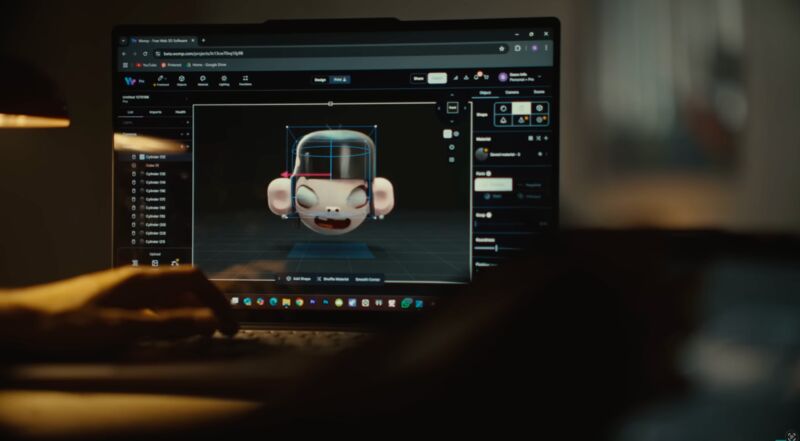
Desk against the window wall with two monitors. Subject sits with window to the left (key light side). Monitors provide practical fill on face from front. Can display 3D art renders as visual interest in frame.
Bedroom-studio means limited room for camera movement and light placement. White walls are actually an advantage — great for bouncing light. Use the bed area for camera position. Tight framing hides room edges.
Two 100W Digitek RGB LEDs, one RGB Stick Light, two small 10cm LEDs, and the window. Here’s exactly how to use each one with specific color temperature settings and matching camera white balance.
For: talking head, desk work, process shots, 3D art on screen
Primary key light. Shoot during golden hour if possible. If midday, tape a thin warm-toned sheet over it to soften and warm the light. The iron grille adds beautiful shadow patterns.
Camera-left, bounced off white ceiling or wall at 40–50% power. Fills shadows without flattening. Set to warm white. Keep soft and indirect — never aim directly at subject.
Behind subject, aimed at collectibles shelf or wall. Creates rim/edge separation. Deep warm amber at 30% power. This is the warm glow you see behind Gawx in every studio shot.
Hidden behind monitor or beside shelf, aimed at shoulder/hair from behind. Edge separation for cinematic depth. Warm amber at 20–25% power.
Near collectibles shelf to illuminate figures from below. Creates depth and visual interest in background. Low power (15–20%). Creates bokeh orbs at wide apertures.
Below/behind monitor facing subject to simulate screen glow. Slightly cooler than ambient to create natural cool-warm contrast on face.
💡 Why 4800K Camera WB for warm scenes: Setting camera white balance to 4800K (slightly below daylight) means the 3200K warm lights read as genuinely golden/amber, the window reads as neutral-cool, and you get the natural warm-cool contrast the reference has. Maximum flexibility in the color grade while baking in the warm mood on-set.
For: stylized creative sequences, 3D render reveals, figurine close-ups, transitions
Cover completely with dark blanket or garbage bags. Total darkness so you control 100% of light. No ambient daylight for the blue mood.
Camera-right, slightly above eye level. Set RGB Blue (R:30 G:80 B:255) at 70% power. Creates the dominant blue wash on Abhijit’s face matching the reference’s strong blue key.
Aimed at wall behind subject or collectibles shelf. Set to cyan (R:0 G:200 B:180) at 40% power. Creates color contrast depth between blue key and background.
Behind Abhijit on opposite side of key. Magenta/purple edge on hair and shoulders (R:180 G:0 B:200) at 25%. Adds triadic color depth seen in the reference.
Hide among collectibles shelf. One blue, one warm amber. Creates tiny points of light in background that become beautiful bokeh orbs at wide apertures.
💡 Why 3200K Camera WB for cool scenes: Setting the camera to tungsten WB (3200K) when you’re using blue RGB lights makes the blues look deeply saturated and electric. The camera “expects” warm light, so cool light looks dramatically blue. Standard trick for the rich blue look seen in music videos and creative films.
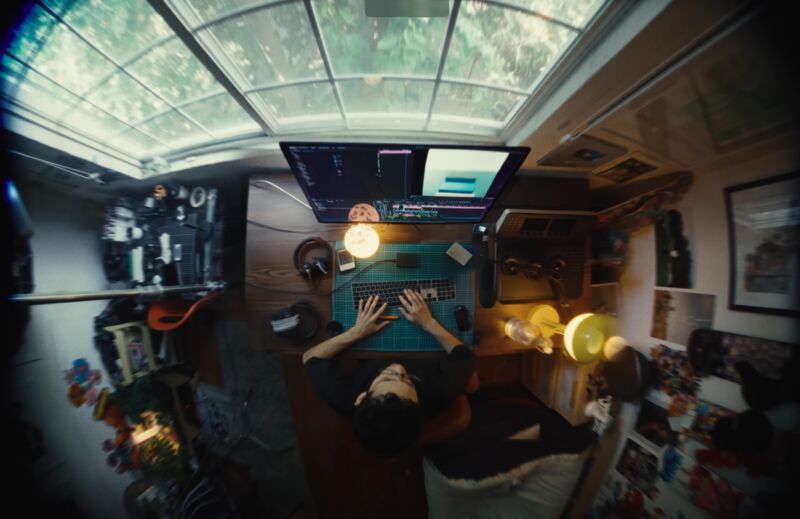
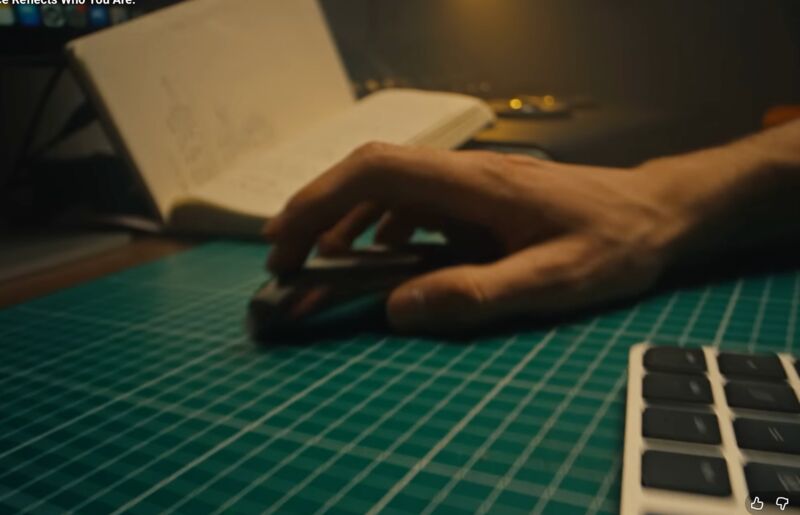
For: top-down of hands working on sculpts, sketching, tablet
Mount overhead or high stand aimed down at desk. Slightly off-center for soft directional shadows. Diffuse with white sheet if possible. 60% power.
At desk level, aimed across surface. Adds dimension to objects, prevents flat look from single overhead. Low power (25%).
Under monitor to simulate screen glow spilling onto desk surface. Creates cool-warm contrast seen in reference.
⚠ Critical: Clear the desk first. Keep only keyboard, mouse/tablet, one pen holder, sketchbook, and monitor. Remove water bottles, random papers, loose cables. The reference desk is clean and intentional — every object is placed deliberately.
Lift: Shadows toward teal/blue (+5 to +10 blue).
Gamma: Neutral, slightly warm.
Gain: Highlights toward amber (+8 red, +4 green).
Saturation: 85% global. Boost orange skin selectively. Desat greens.
Contrast: Lower midtone contrast. Crush blacks to 5–8 IRE. Slight S-curve for filmic roll-off.
Lift: Heavy blue (+15 to +20 blue).
Gamma: Push toward cyan/teal.
Gain: Keep neutral or slightly cool.
Saturation: 75–80% global. Boost blues/cyans. Desat reds.
Contrast: Higher contrast than warm. Deeper blacks. More dramatic and punchy.
Profile: LOG or flat/CineStyle if available.
WB Warm: 4800K (bakes in warm mood, cool window contrast).
WB Cool: 3200K (amplifies all blues dramatically).
WB Desk: 4000K (neutral true-to-life colors).
ISO: 800–1600 for dark mood. Embrace grain.
Shutter: 1/48 or 1/50 for 24fps. 180° rule.
Grain: Subtle 35mm fine grain in post for texture.
Halation: Very subtle bloom on highlights for warm glow.
Vignette: Light (−0.3 to −0.5) to draw eyes center.
Sharpening: Minimal. Preserve the soft, dreamy quality. Over-sharpening kills the filmic feel.
The reference uses extremely shallow depth of field throughout. You have the legendary Helios in-house — this is your hero lens. Supplement with primes if available.
58mm f/2.0 — Soviet Vintage Prime — M42 Mount
Your hero lens for this shoot. The Helios 44-2 is famous for its signature swirly bokeh — background highlights twist into spiral shapes that add an organic, dreamlike quality impossible to replicate digitally. At f/2.0, it gives you beautiful subject separation in Abhijit’s compact room. The slight softness wide-open and natural halation at the edges perfectly match the filmic, warm imperfection of the reference video.
f/2.0 wide open. Abhijit at desk, facing camera. Background collectibles swirl into dreamy orbs. Manual focus on eyes. Camera WB: 4800K (warm) or 3200K (cool).
f/2.0–f/2.8. Close-ups of figurines, Iron Man helmet, 3D models on screen. The swirly bokeh turns small RGB LEDs into magical spirals.
f/2.0. Shoot through collectibles shelf or past objects at Abhijit working. Edge softness and swirl adds cinematic character the reference has.
Top-down view of hands working on tablet/screen. Stop down slightly for sharpness on hands while still separating from desk background.
PRO TIP: The Helios is manual focus only (M42 mount + adapter). Use focus peaking on your camera. For interviews, mark focus distance with tape on the floor. The manual nature actually helps — subtle focus pulls during B-roll add organic life. Pair the slight lens imperfections with the teal-orange grade for a look that feels handcrafted, not clinical.
Wider establishing shots of full room. Also ideal for walking/moving shots in small space. Use if rented or available. f/1.4–2.0
Extreme compression for detail shots from doorway. Background completely dissolves. Good complement to the Helios. f/1.8
Full room reveal shot. Use sparingly — one or two wide establishing shots for context. The Helios handles everything else. f/2.8
Plan 70–80% of shots around the Helios. The 58mm on full-frame (or ~87mm equivalent on APS-C) is perfect for desk shots, talking head, and B-roll. Its swirly bokeh gives the film a unique visual fingerprint. Shoot wide open at f/2.0 for max character; f/2.8 for touch more sharpness. Only switch to wider lenses for full-room establishing shots.
If your camera body is APS-C (not full-frame), the Helios 58mm will behave like ~87mm equivalent. This is actually ideal — it becomes a portrait/telephoto that gives extreme compression and even more pronounced swirly bokeh. Just step back a little for medium shots. Tighter framing helps hide the room edges and makes the space look larger on camera.
Structured to minimize lighting changes. Start with natural light, move to controlled light as daylight fades.
Interview/talking head with window key. All wide and medium shots at desk. Process footage of 3D art. 35mm + 50mm primes. Time-sensitive — window light changes fast. Camera WB: 4800K.
While natural light still available as fill. Clear desk, place sketchbook/tablet, shoot process B-roll. 24mm or 35mm from above. Camera WB: 4000K.
Collectibles close-ups, figurine details, screen captures of 3D work, hands on keyboard. 85mm or 50mm wide open for extreme bokeh. Light individual subjects with small LEDs. Camera WB: 4800K.
Block window. Switch all lights to RGB. Stylized creative sequence — holding up art, interacting with figurines, dramatic 3D render reveals. Most produced block. Take your time. Camera WB: 3200K.
If daylight fading, use one 100W LED behind diffusion on window to simulate. Silhouette/backlit transitions of Abhijit looking out, hands on grille. Powerful opening/closing shots. Camera WB: 5600K.
The single most important thing: turn off ALL room lights (ceiling tube, fan light, any overhead). Rely only on your controlled sources + window. This transforms a “home video” into a cinematic film. Darkness hides what you don’t want to show and highlights what you do.